Detalles del listado
Registro de directorio de HiCyou
- Sitio web listado
- producthunt.com
- Registro del directorio creado
- 7 nov 2026
- Última actualización del registro
- 7 nov 2026
Información incluida en el listado
- Resumen
- 7 funciones clave
- 4 casos de uso
Esta página describe el registro de directorio de HiCyou. No es una certificación de seguridad, propiedad ni calidad del producto.
Revisa el sitio externo antes de compartir información confidencial o realizar una compra.
¿Qué es EdgeBar?
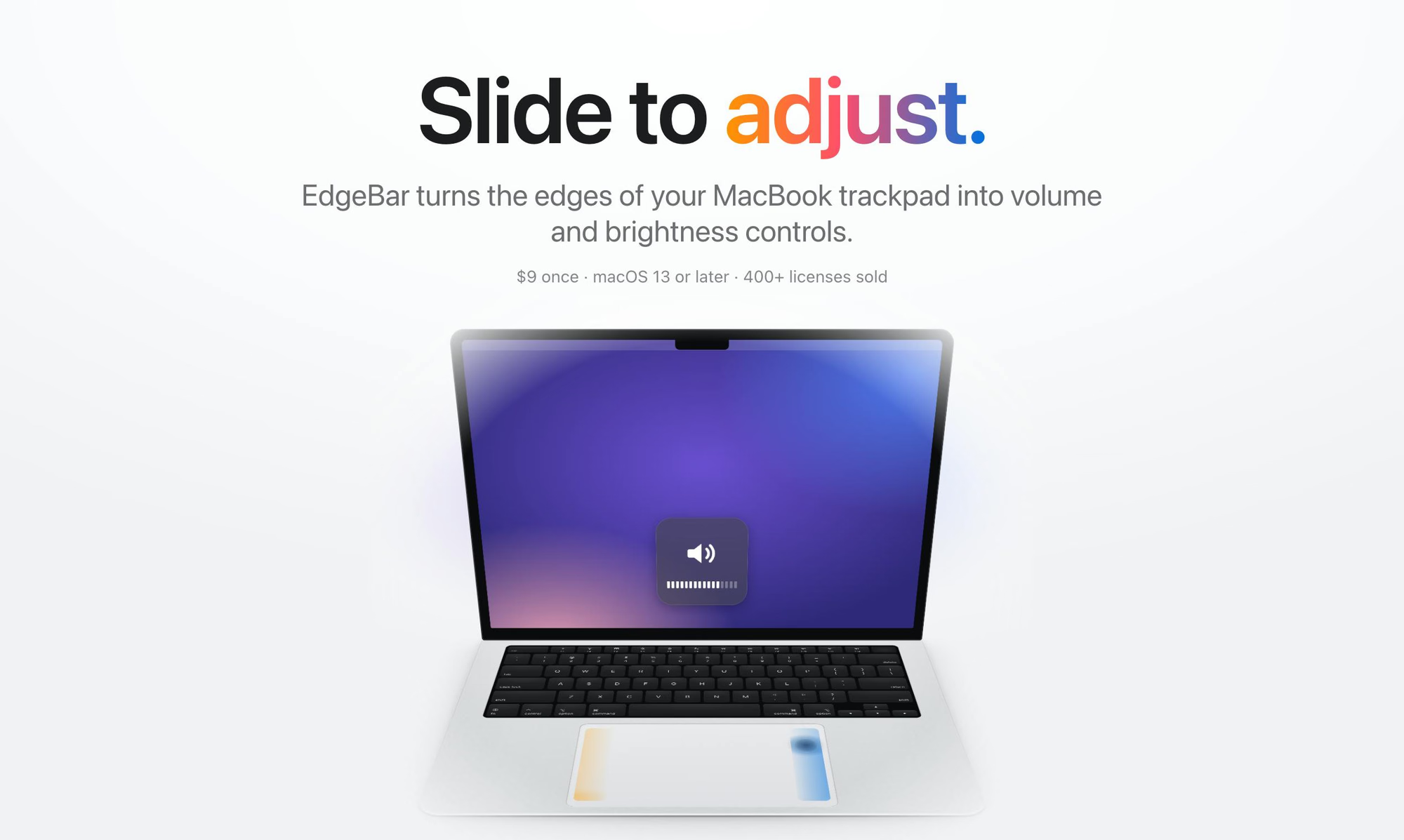
EdgeBar is a macOS menu bar utility that turns the edges of a MacBook trackpad into volume and brightness controls. Sliding the right edge adjusts volume and the left edge adjusts brightness, with haptic feedback and the standard on-screen display. It also supports muting via a double-tap on the top-right corner and skipping tracks with a bottom-edge swipe. The app runs in the menu bar with minimal CPU usage and is offered as a one-time purchase with lifetime updates.
Características principales
Casos de uso
- Adjust volume or brightness quickly without reaching for keyboard keys
- Mute audio instantly with a corner double-tap
- Skip music tracks using a trackpad gesture
- Free up Touch Bar or function key usage on MacBooks
¿Por qué las startups necesitan esta herramienta?
For startup teams working long hours on MacBooks, EdgeBar reduces friction in everyday actions like adjusting volume, brightness, or playback, letting users stay focused on their work with quick trackpad gestures instead of hunting for keys or menu options.