
Smooth Recorder
Mac screen recordings that look edited when you hit stop
Listing details
HiCyou directory record
- Listed website
- smoothrecorder.com
- Directory record created
- Oct 5, 2026
- Last record update
- Oct 5, 2026
Listing information
- Overview
- 5 key features
- 3 use cases
This page describes HiCyou's directory record. It is not a security, ownership, or product-quality certification.
Review the external site before sharing sensitive information or making a purchase.
What is Smooth Recorder
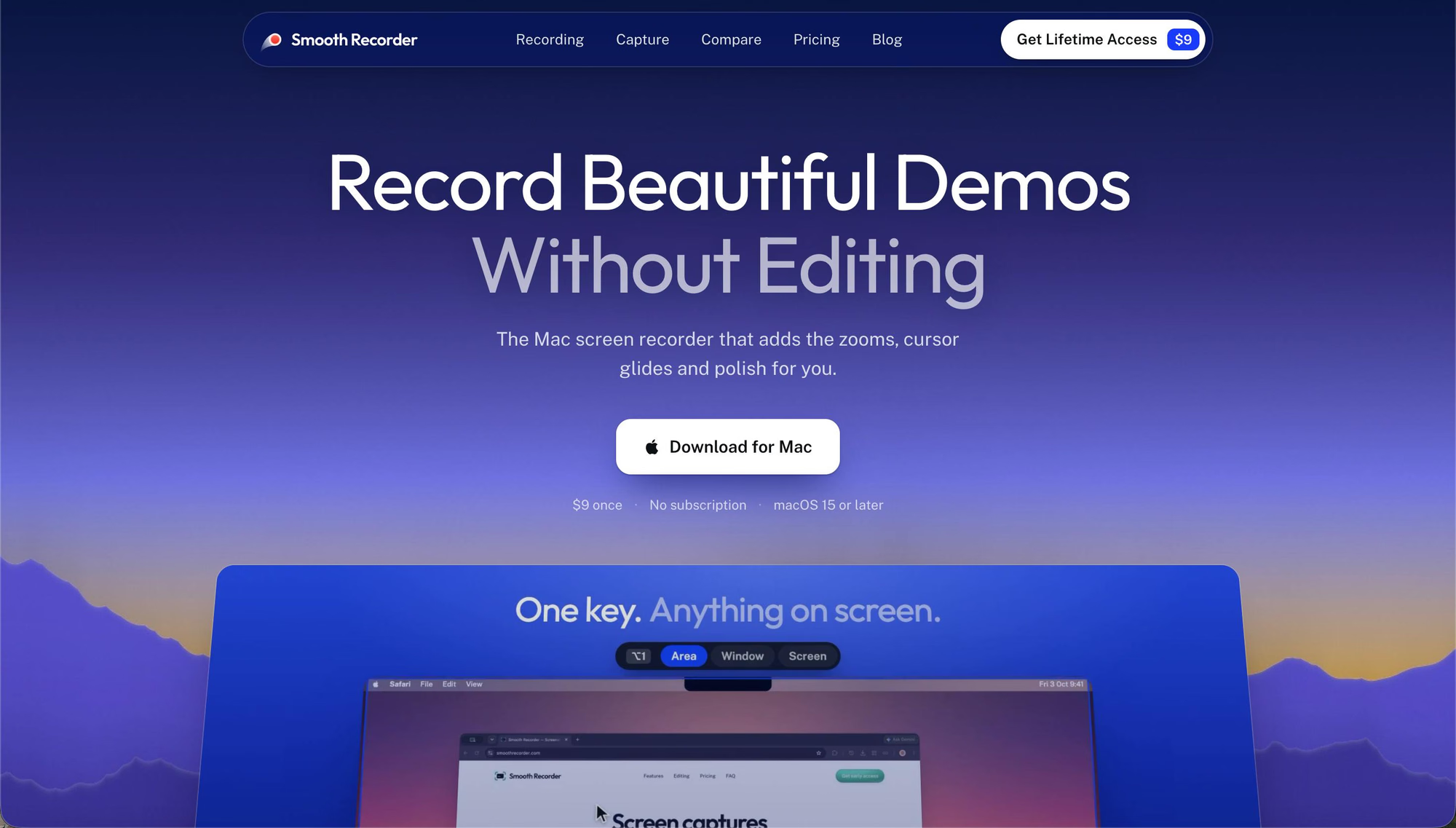
Smooth Recorder is a native Mac screen recorder built for demos and tutorials. It automatically zooms in where you click, smooths cursor movement, adds one-click captions, and places recordings on a clean background, producing polished videos without post-editing. It also supports screenshots, GIFs, scrolling capture, and text. It is available for a one-time $9 payment with no subscription.
Key Features
Use Cases
- Recording product demos
- Creating tutorials and how-to videos
- Capturing annotated screenshots and GIFs
Why do startups need this tool?
Startups can use Smooth Recorder to create polished demo videos and tutorials without spending time on video editing, helping them communicate their product quickly and professionally.
FAQs
Other tools in Design and Creative

Dina 4.5
Beautiful screen recordings, screenshots, and 3D motion

Toolscase Image Tools
Image conversion, compression, resizing, cropping, editing, metadata management, watermarking, background removal, and o

Free Resume Builder & CV Maker — CVBuilder
Create a professional resume in minutes with AI-powered tools, 50+ templates and ATS optimisation.

Free AI Tattoo Generator: Design Custom Tattoos Online
Create custom tattoo concepts from text or a reference photo with DermInk’s free AI tattoo generator. Explore 20+ styles