Prequel
Create cinematic screen recordings on your Mac
Listing details
HiCyou directory record
- Listed website
- prequel.sh
- Directory record created
- Aug 31, 2026
- Last record update
- Aug 31, 2026
Listing information
- Overview
- 8 key features
- 4 use cases
This page describes HiCyou's directory record. It is not a security, ownership, or product-quality certification.
Review the external site before sharing sensitive information or making a purchase.
What is Prequel
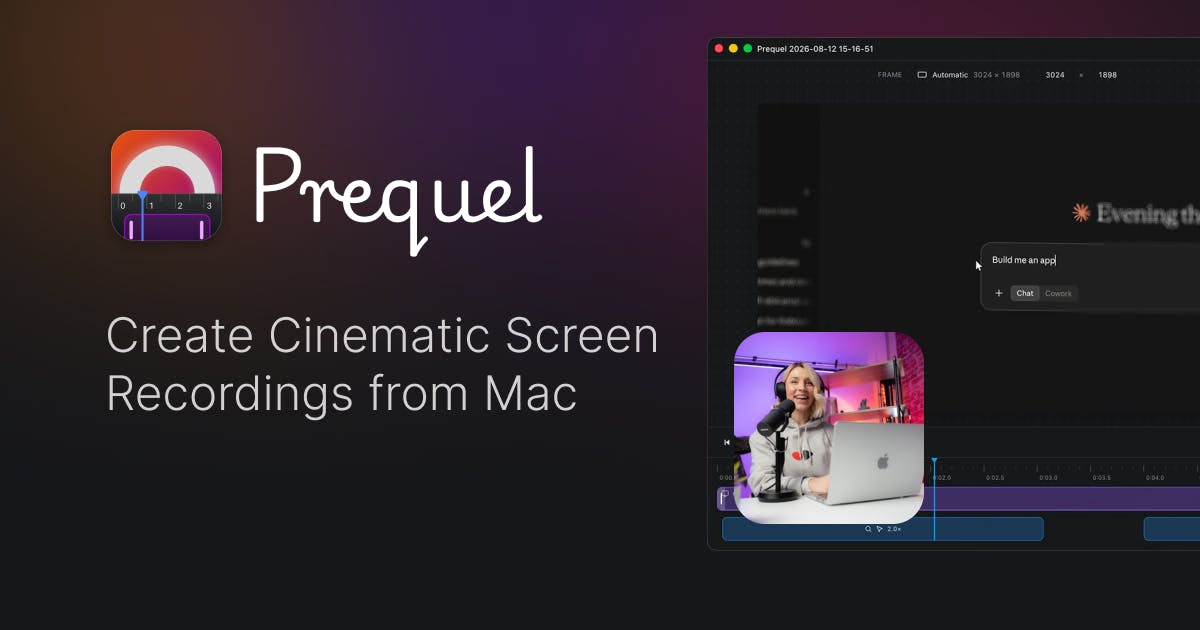
Prequel is a macOS screen recorder that delivers a finished video instead of raw footage. It records your screen, webcam, microphone and system audio, then automatically places zooms on clicks and typing, frames the camera, and applies a background. Everything is edited and exported locally on your Mac's media engine as a single MP4 at up to 4K and 120 fps.
Key Features
Use Cases
- Product demos and walkthroughs with cinematic zooms
- Social media videos shaped for YouTube, Shorts, TikTok, Reels, X and LinkedIn
- Software tutorials and bug reports with cursor-following zooms
- Marketing content recorded once and reframed for multiple formats
Why do startups need this tool?
Startups need polished product videos without hiring an editor. Prequel automates the post-production pass — zooms, camera framing, backgrounds and cuts — and exports platform-ready MP4s locally, so a single recording can be reframed for demos, docs and social channels.