
PhotoQuill
Browser-based AI photo editor with PSD support, layers, masks, and local processing.
Listing details
HiCyou directory record
- Listed website
- photoquill.com
- Directory record created
- Jul 24, 2026
- Last record update
- Jul 24, 2026
Listing information
- Overview
- 7 key features
- 7 use cases
This page describes HiCyou's directory record. It is not a security, ownership, or product-quality certification.
Review the external site before sharing sensitive information or making a purchase.
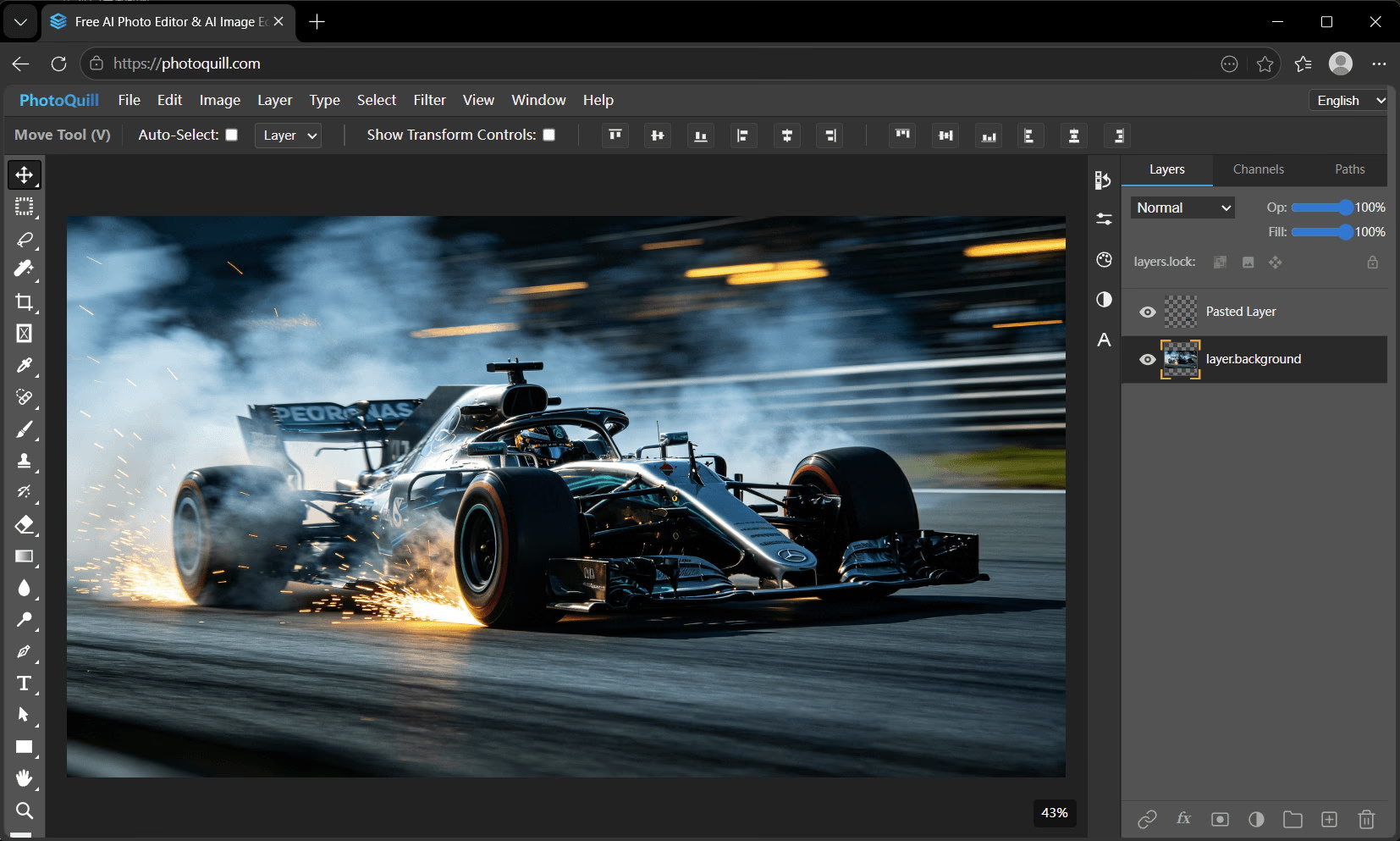
What is PhotoQuill
PhotoQuill is a browser-based AI photo editor for creators, designers, marketers, students, and small teams that need capable image editing without installing heavy desktop software. It supports PSD files, layers, masks, blend modes, precise image adjustments, local processing where possible, and optional AI image generation. Users can edit photos, prepare marketing graphics, remove or replace backgrounds, create social media visuals, retouch images, build thumbnails, and work with layered design files directly in the browser. PhotoQuill is especially useful for creators who need quick edits on any device, indie makers preparing product visuals, ecommerce teams editing listings, marketers creating campaign assets, and designers who want a web-based Photoshop-style workflow.
Key Features
Use Cases
- Edit product screenshots
- Create marketing graphics
- Retouch ecommerce images
- Prepare social media visuals
- Open and edit PSD files in the browser
- Remove or replace backgrounds
- Build thumbnails and campaign assets
Why do startups need this tool?
Startups often need product screenshots, ads, thumbnails, social posts, and ecommerce visuals without hiring a full design team or installing heavy desktop software. PhotoQuill gives small teams a fast browser-based editor with PSD support, layers, masks, AI-assisted editing, and local processing so they can produce polished visuals quickly and keep creative work moving.