
Listing details
HiCyou directory record
- Listed website
- lucidbit.app
- Directory record created
- Sep 16, 2026
- Last record update
- Oct 2, 2026
Listing information
- Overview
- 6 key features
- 5 use cases
This page describes HiCyou's directory record. It is not a security, ownership, or product-quality certification.
Review the external site before sharing sensitive information or making a purchase.
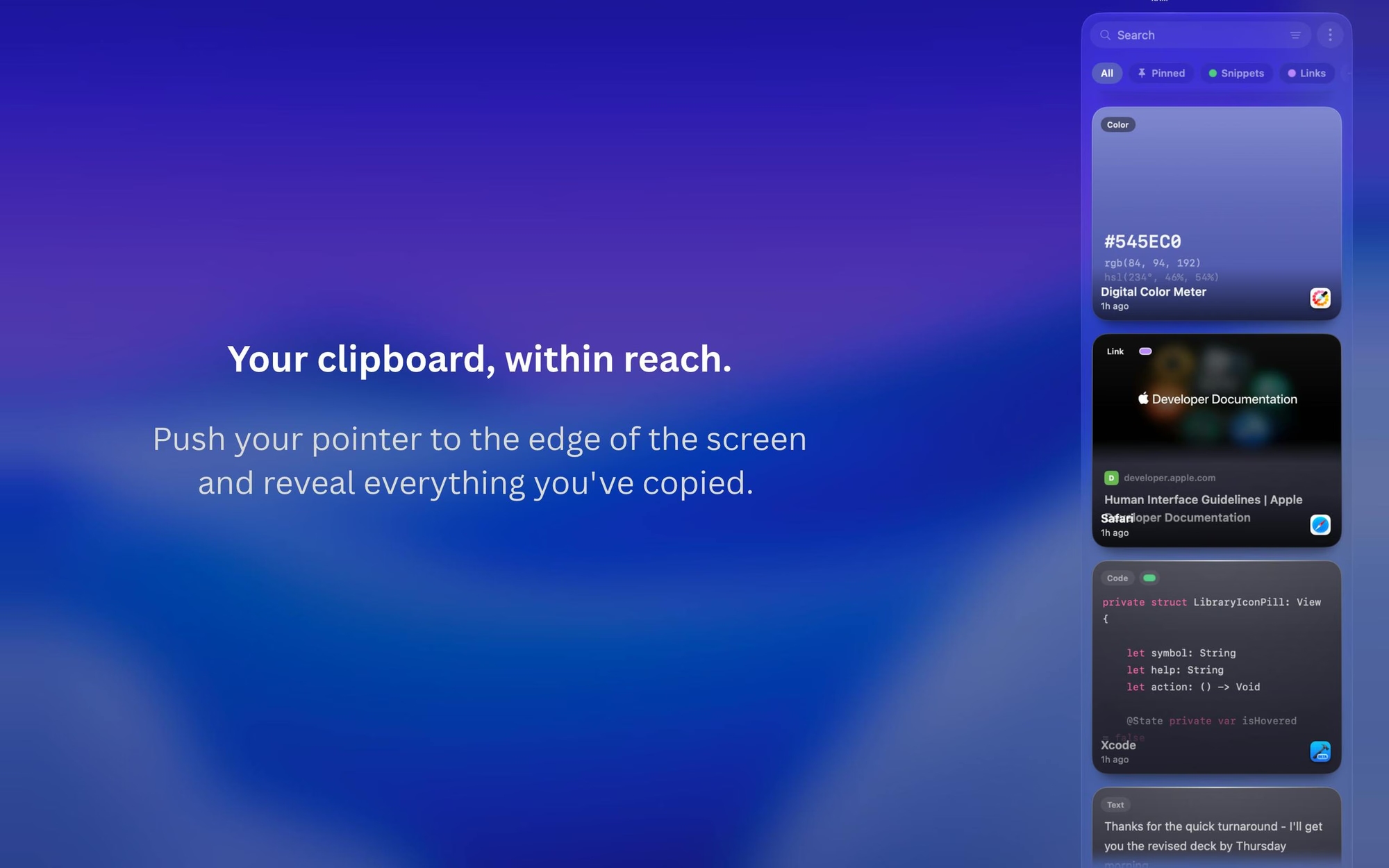
What is PeekPaste
PeekPaste is a native clipboard manager for Mac that keeps a history of everything you copy — text, code, links, images, colors, and files. It stays hidden until you push your pointer against the screen edge, then slides in for quick access. It offers search across clips, on-device OCR for searching inside screenshots, pinning and organization, and a full Library view. All data stays on your Mac, with no accounts, analytics, telemetry, or cloud clipboard service.
Key Features
Use Cases
- Retrieve text, links, or files you copied earlier in the day
- Find code snippets and reuse them across projects
- Search text inside screenshots using on-device OCR
- Pin frequently used clips for quick access
- Manage clipboard history privately without cloud sync
Why do startups need this tool?
PeekPaste helps founders and small teams move faster by making every copied item retrievable — snippets, links, files, and even text inside screenshots — without switching context. Its local-only, account-free design also appeals to privacy-conscious teams that don't want clipboard data leaving their machines.
FAQs
PeekPaste Alternatives
Other tools in Productivity

Faylee
Bug reports your coding agent can fix from one link

iSurge
Activity monitor, per-app volume, disk cleanup at your notch

Openstatus Incident Management
Incident management for small teams

ToolRoots
Local alternatives to the tools you already pay for. Made in your country, hosted in your region, answering to your rule