
Listing details
HiCyou directory record
- Listed website
- otterdock.savetimefor.fun
- Directory record created
- Nov 12, 2026
- Last record update
- Nov 12, 2026
Listing information
- Overview
- 6 key features
- 3 use cases
This page describes HiCyou's directory record. It is not a security, ownership, or product-quality certification.
Review the external site before sharing sensitive information or making a purchase.
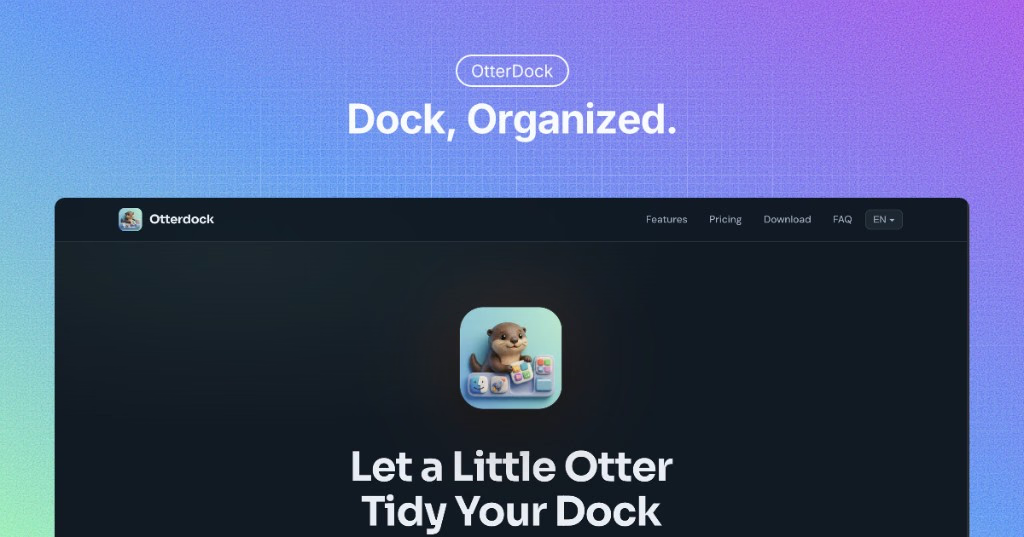
What is OtterDock
OtterDock groups the apps, files, folders and web links you use for one project, client or routine into a single icon in your Mac Dock. Hover over it or click it to open the group, launch everything in the group at once, or give each group its own global keyboard shortcut. Groups are also available as desktop and Notification Center widgets and as Shortcuts actions, and they are stored only on your Mac. Free: 2 groups with up to 8 items each. Pro is a one-time $6.99 purchase: unlimited groups and items, a Pro skin, and per-group rules for which app opens each file or link. macOS 14 or later.
Key Features
Use Cases
- - Open a client's apps, files and dashboards in one go
- - Keep a daily routine (mail, calendar, notes) behind one icon
- - Switch between side projects without cluttering the Dock
Why do startups need this tool?
Makers usually juggle several projects at once. OtterDock puts each project's apps, files, folders and links behind one Dock icon, so switching context takes one click or one shortcut instead of hunting through Finder and bookmarks.