
Job time tracking for manufacturing | MinuteMill
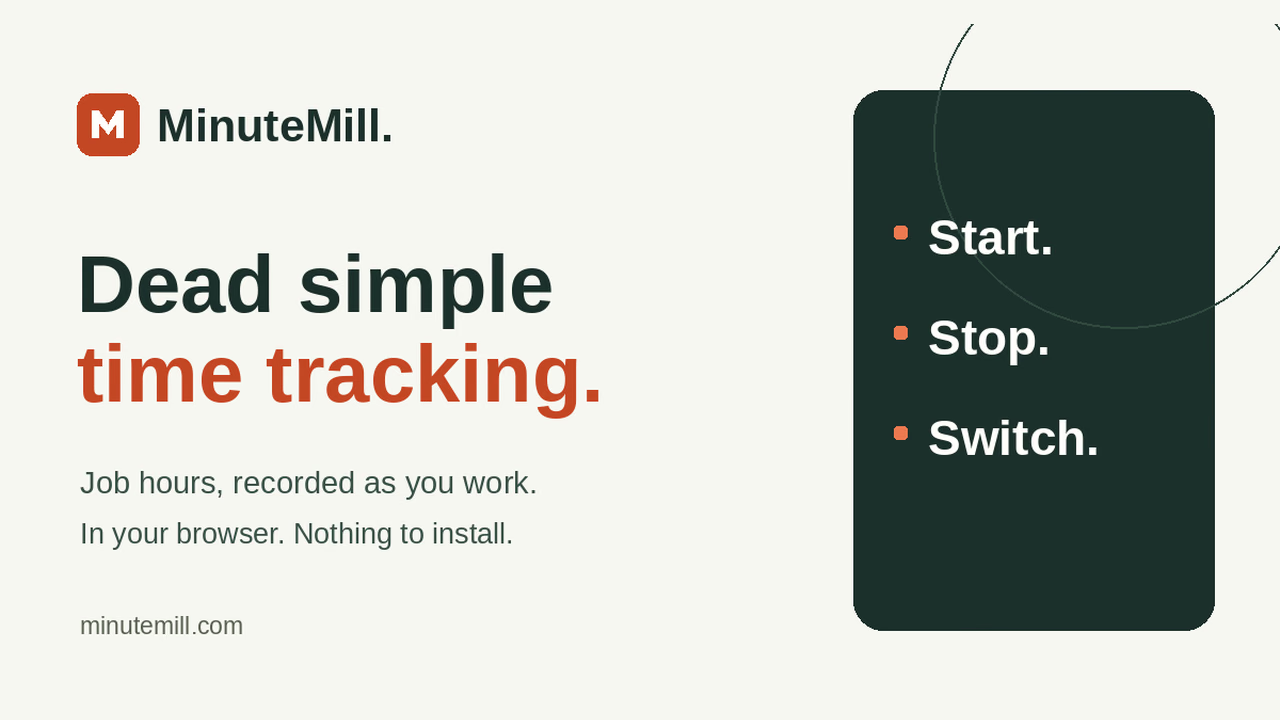
Dead simple job time tracking. Employees start, stop, and switch jobs in a browser. See labor hours by job and person wi
Listing details
HiCyou directory record
- Listed website
- minutemill.com
- Directory record created
- Nov 16, 2026
- Last record update
- Nov 16, 2026
Listing information
- Overview
- 11 key features
- 6 use cases
This page describes HiCyou's directory record. It is not a security, ownership, or product-quality certification.
Review the external site before sharing sensitive information or making a purchase.
What is Job time tracking for manufacturing | MinuteMill
MinuteMill helps small manufacturers and job shops see how much labor goes into each job. It started with a manufacturing owner who was tired of collecting paper timesheets, typing the hours back into a spreadsheet, and still feeling unsure about what a job had cost him.
On the shop floor, employees open the job board in their phone’s browser and tap the job they’re working on. Tapping the next job ends the current entry and starts the next one. The timer keeps running if the phone locks or the browser closes. There’s no app to install, and employees can sign in without an email address.
At the desk, managers can see who’s working on what and review recorded hours by job or employee. Add hourly labor rates to see what the time cost. When it’s time to quote similar work, you can look up how many labor hours the last job actually took.
• Import jobs from CSV or Excel and save your column mapping for the next import. • Add notes to time entries to explain delays, rework, or anything else that affected the hours. • Correct missed starts and stops while keeping the original times and the reason for the change. • Export hours to CSV or get a daily email recap on your schedule.
The same routine works for crews that move between repair tickets, work orders, or job sites. One manager and one employee are included free, with no credit card required. Additional active employees are $4.99 each per month.
Key Features
Use Cases
- - Job shops and small manufacturers tracking hours per job number instead of paper timesheets
- - Quoting new work: look up the labor hours the last similar job actually took
- - Construction crews: job names or cost codes (e.g., C-210 Formwork) as crews move between tasks
- - Cleaning teams: each site or work order on the job board (e.g., WO-0840 North wing cleaning)
- - Automotive job shops: repair tickets (e.g., RO-1874 Brake service) so labor stays with the vehicle
- - Any crew moving between repair tickets, work orders, or job sites
Why do startups need this tool?
- Three actions only (start, stop, switch) — no training needed
- Zero-friction shop floor: no app download, no email required for employees
- Built by a manufacturing insider: founder ran a job shop; built for a real shop drowning in paper timesheets
- Job-level labor costs without ERP/MES pricing or complexity
- Audit-friendly corrections: original times plus the reason are always kept
- Honest scope: no GPS, no payroll, no dispatch — works alongside the tools you already use
- Flat $4.99 per employee vs $9–20 per user typical of the category