
Replay QA Security Scan
Automated Penetration Testing for AI-Built Apps
Informations de la fiche
Fiche d’annuaire HiCyou
- Site web répertorié
- replay.io
- Fiche d’annuaire créée
- 9 sept. 2026
- Dernière mise à jour de la fiche
- 9 sept. 2026
Informations incluses dans la fiche
- Présentation
- 5 fonctionnalités clés
- 4 cas d’usage
Cette page décrit la fiche d’annuaire HiCyou. Elle ne constitue pas une certification de sécurité, de propriété ou de qualité du produit.
Vérifiez le site externe avant de partager des informations sensibles ou d’effectuer un achat.
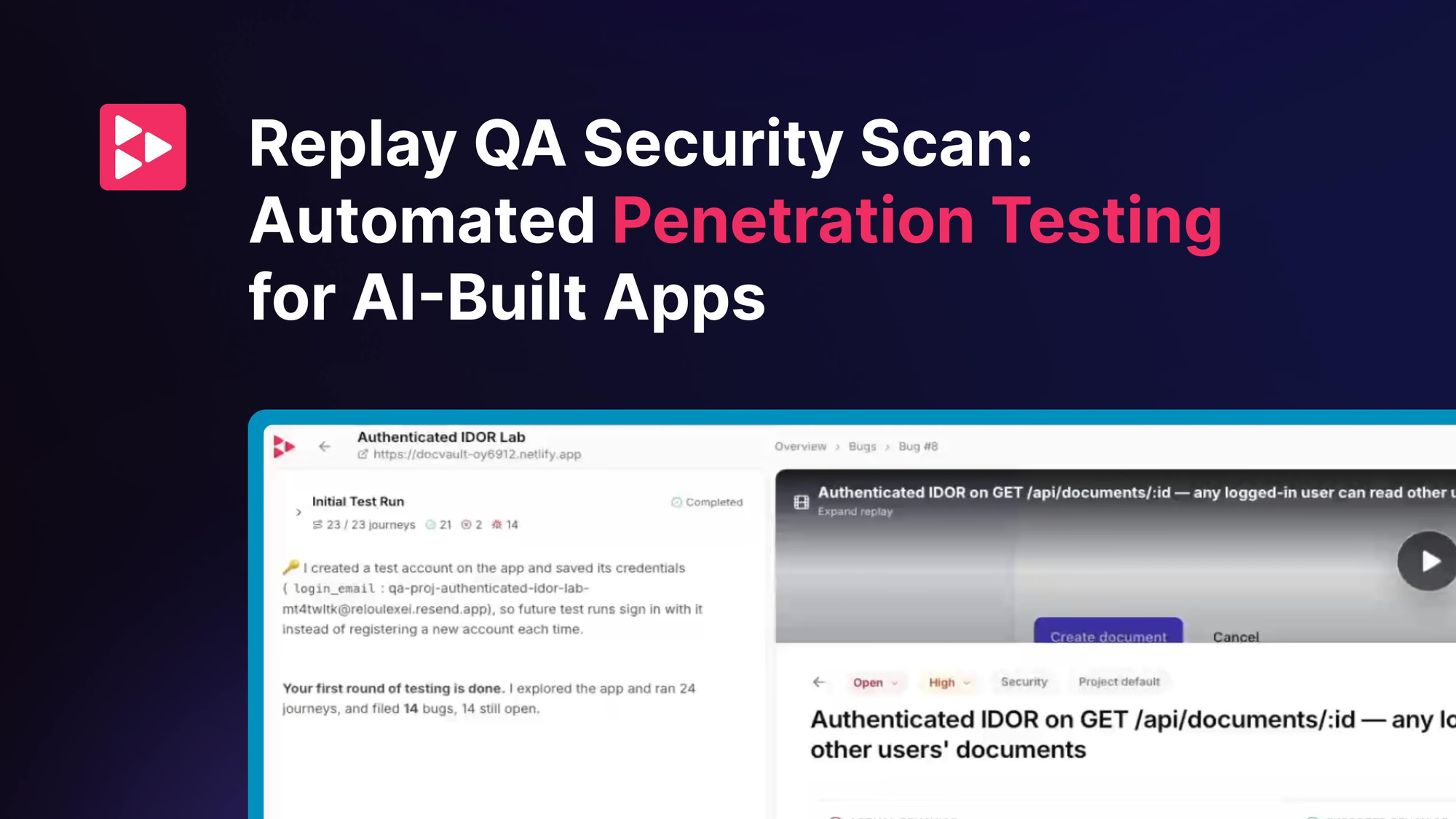
Qu'est-ce que Replay QA Security Scan
Replay QA Security Scan is an automated penetration testing tool for web apps, aimed at catching vulnerabilities commonly introduced by AI-generated code. It scans for injection flaws, broken access control, IDOR, and cross-tenant data exposure, and delivers findings as full bug reports with evidence and suggested fixes. Scans can be scheduled daily or weekly, and the same projects can be tested across dev, staging, production, and localhost environments.
Fonctionnalités clés
Cas d'utilisation
- Continuously security-test web apps built with AI coding agents
- Replace manual 'remember to test' security checks with scheduled scans
- Review a pre-triaged queue of security bugs each morning
- Run consistent security QA across development, staging, production, and local environments
Pourquoi les startups ont-elles besoin de cet outil ?
Startups shipping AI-generated code get automated, recurring penetration testing that catches common vulnerability classes early, with triaged bug reports and multi-environment coverage without maintaining separate QA setups.