
Listing details
HiCyou directory record
- Listed website
- beam.win
- Directory record created
- Oct 20, 2026
- Last record update
- Oct 20, 2026
Listing information
- Overview
- 5 key features
- 3 use cases
This page describes HiCyou's directory record. It is not a security, ownership, or product-quality certification.
Review the external site before sharing sensitive information or making a purchase.
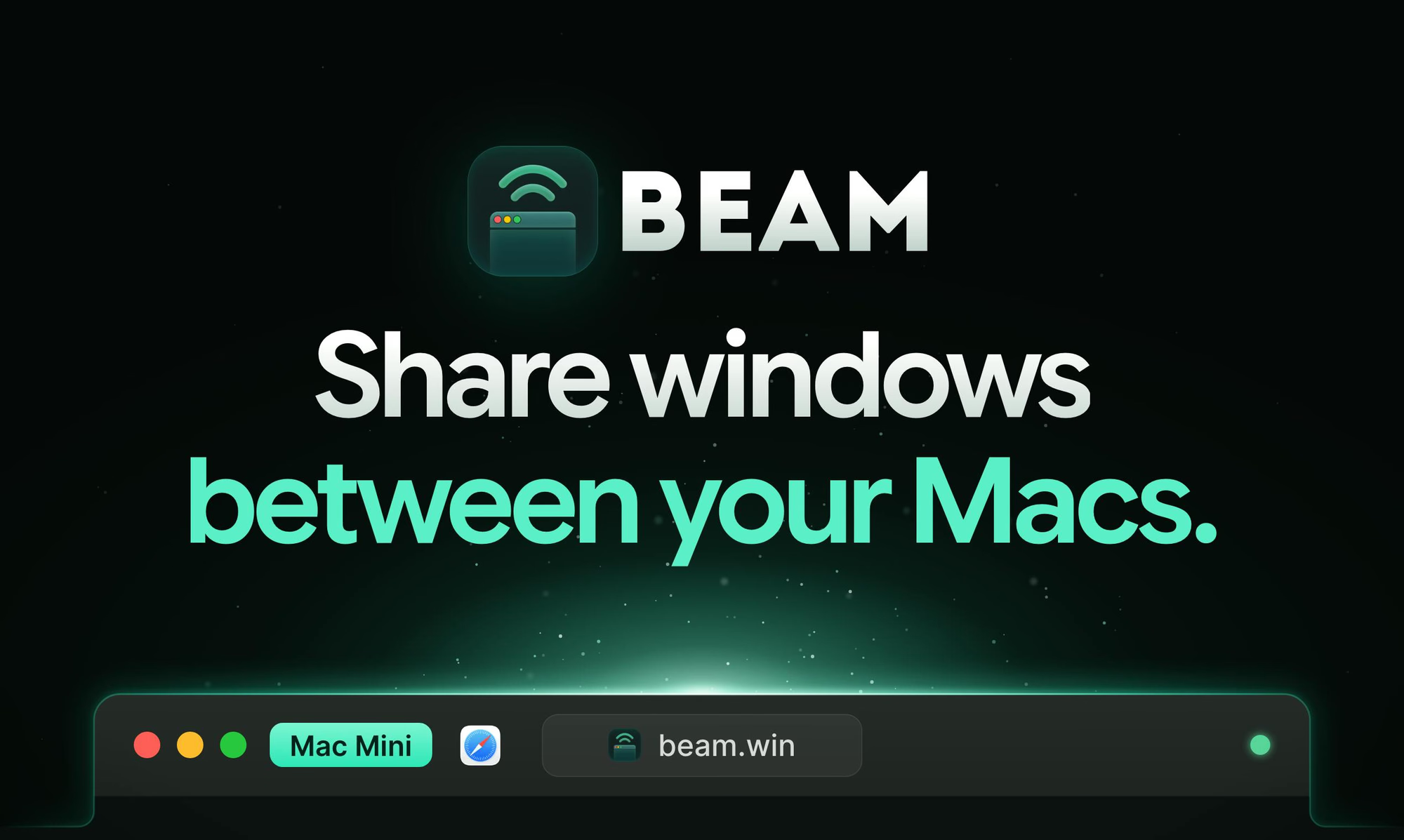
What is Beam.win
Beam.win lets you run AI agents, builds, and other workloads on one Mac (such as a Mac mini or Mac Studio) while viewing and using their app windows on the Mac in front of you. Each shared window appears as its own native window with a Dock icon and ⌘Tab presence, and traffic is encrypted between Macs. Free to try.
Key Features
Use Cases
- Keep AI agents and long-running builds on a headless Mac mini or Mac Studio while working from another Mac
- Monitor and interact with remote Terminal and browser sessions as if they were local apps
- Separate heavy workloads from your everyday workstation without extra monitors
Why do startups need this tool?
Startups running AI agents, CI builds, or other background jobs on spare Macs can keep those workloads off their primary machine while still interacting with them directly. Beam.win turns remote windows into native local windows, so small teams can get workstation-style workflows from hardware they already own.